
Customer Portal Software for Order Visibility, Invoices and Online Payments
Enable customers to view orders, access invoices and make payments online with a secure, self-service portal built into QT9 ERP.
Built for manufacturers that need real-time customer visibility, faster payments and reduced support workload.
Self-Service Order Status
Customers view real-time order and shipment status.
Online Invoice Payments
Pay invoices instantly using credit card or ACH.
Real-Time ERP Data
Customers see the same live ERP data as your team.
Customer Document Access
Invoices and documents available anytime in the portal.
Contact Management
Customers update their own account contacts.
Fewer Support Inquiries
Deflect routine order and invoice status calls.
What is the QT9 ERP Customer Portal?
The QT9 ERP Customer Portal is a web-based interface that gives your ERP customers direct access to order status, invoices, and account documents. It transforms customer service from reactive inquiries to self-service.
Customers can view real-time sales order status, pay invoices online via credit card or ACH, download documents, and manage contact information. All activity syncs instantly with ERP data, so customers see the same information your team sees without delays.
For manufacturers shipping to distributors, OEMs, or end users, the Customer Portal reduces AR aging through immediate online payments, deflects repetitive status calls, and delivers a modern digital customer experience.
Customer Portal Features and Technical Capabilities
Why Manufacturers Choose the QT9 ERP Customer Portal
Integrated Online Payments
QT9 integrates directly with Paya payment processing, allowing customers to pay invoices online using credit card or ACH. Payments automatically create cash receipts and post to accounts receivable, eliminating manual reconciliation and accelerating payment collection.
Real-Time ERP Data Visibility
Customers see the same order status, invoice data, and account information as your internal team. Because the portal connects directly to your ERP database, updates appear instantly without delays or manual updates.
Reduced Customer Service Workload
Professional Digital Customer Experience
What Makes QT9 ERP Customer Portal Different?
Online PaymentsQT9 integrates with Paya payment processing, allowing customers to pay invoices online using credit cards or ACH. Payments automatically create cash receipts and update accounts receivable in real time, eliminating manual posting and reconciliation. |
Self-Service AccessCustomers can log in anytime to check order status, view invoices, download documents and update contact information, reducing reliance on customer service inquiries. |
Contact ManagementCustomers manage their own contact records with role designations such as main contacts and AP contacts. This ensures automated communications and billing information reach the correct people. |
Secure PaymentsPayments are processed through Paya’s PCI-compliant payment infrastructure, ensuring credit card data never touches QT9 servers while maintaining full payment security. |
ERP SynchronizationAll customer portal activity syncs instantly with ERP records. Payments update AR, contact changes update customer records, and document acknowledgments are logged automatically. |
Customer Portal Software for Manufacturers
Provide customers with secure access to order information, invoices, documents, and account updates through a portal fully connected to your ERP system.
Invoice Viewing
Customers can view open and closed invoices with full details including terms, tax, and freight.
Online Invoice Payments
Customers pay invoices instantly using credit card or ACH through integrated payment processing.
Sales Order Tracking
Customers track order progress, shipment status, and delivery updates in real time.
Customer Dashboard
A centralized dashboard displays upcoming invoices, recent documents, and account activity.
Document Access
Customers download invoices, assigned documents, and other account files directly through the portal.
Contact Updates
Customers manage their own contacts to ensure communications reach the correct team members.
Shipment Visibility
Customers view shipment details and tracking information without contacting customer service.
Real-Time Data Sync
All portal information updates instantly with ERP data to maintain accuracy.
Secure User Access
Multiple users per customer account can access the portal with secure login credentials.
Ready to Transform Your Customer Experience?
QT9 ERP Customer Portal gives manufacturers a secure, self-service platform where customers can access order status, invoices, and account documents without relying on manual updates from your team. Customers gain real-time visibility while your organization reduces support inquiries and accelerates payment collection.
From order tracking to online invoice payments, every interaction connects directly to your ERP system. No disconnected emails. No manual payment reconciliation. Just accurate customer data, faster payments, and a streamlined customer experience.
See how the QT9 ERP Customer Portal improves transparency, communication, and operational efficiency for manufacturers and their customers.

Everything You Need to Run Manufacturing in One ERP Platform
FAQ: Customer Portal Software
An ERP customer portal is a secure online interface that allows customers to access order information, invoices, account documents, and payment options directly from an ERP system. Instead of contacting customer service for updates, customers can log in to view real-time order status, track shipments, download invoices, and manage account information.
An ERP customer portal improves transparency and efficiency by giving customers direct access to order status, invoices, and account documents. Businesses benefit from reduced customer service inquiries, faster invoice payments, improved communication, and a more professional digital customer experience.
Yes. Many ERP customer portals allow customers to pay invoices online using credit cards or ACH payments. Integrated payment processing automatically records the payment, creates a cash receipt, and updates accounts receivable in the ERP system.
A customer portal reduces routine inquiries by allowing customers to check order status, view shipment tracking, and access invoices without contacting support teams. This deflects repetitive calls and emails while allowing customer service teams to focus on higher-value activities.
Yes. Modern ERP customer portals connect directly to the ERP system, allowing customers to view real-time information including sales order status, shipment updates, invoice balances, and account documents.
Yes. Most ERP customer portals support multiple users per customer account. Each user typically has a unique login and permissions tied to their role, such as accounts payable contacts or operational contacts.
Customers can typically access sales order status, shipment tracking information, invoices, payment history, account documents, and contact information. Some portals also allow customers to manage contacts, download compliance documents, and make payments online.
Yes. ERP customer portals use secure login authentication and encrypted connections to protect account data. Payment processing is typically handled through PCI-compliant payment providers to ensure sensitive financial information remains secure.
Explore our latest ERP articles
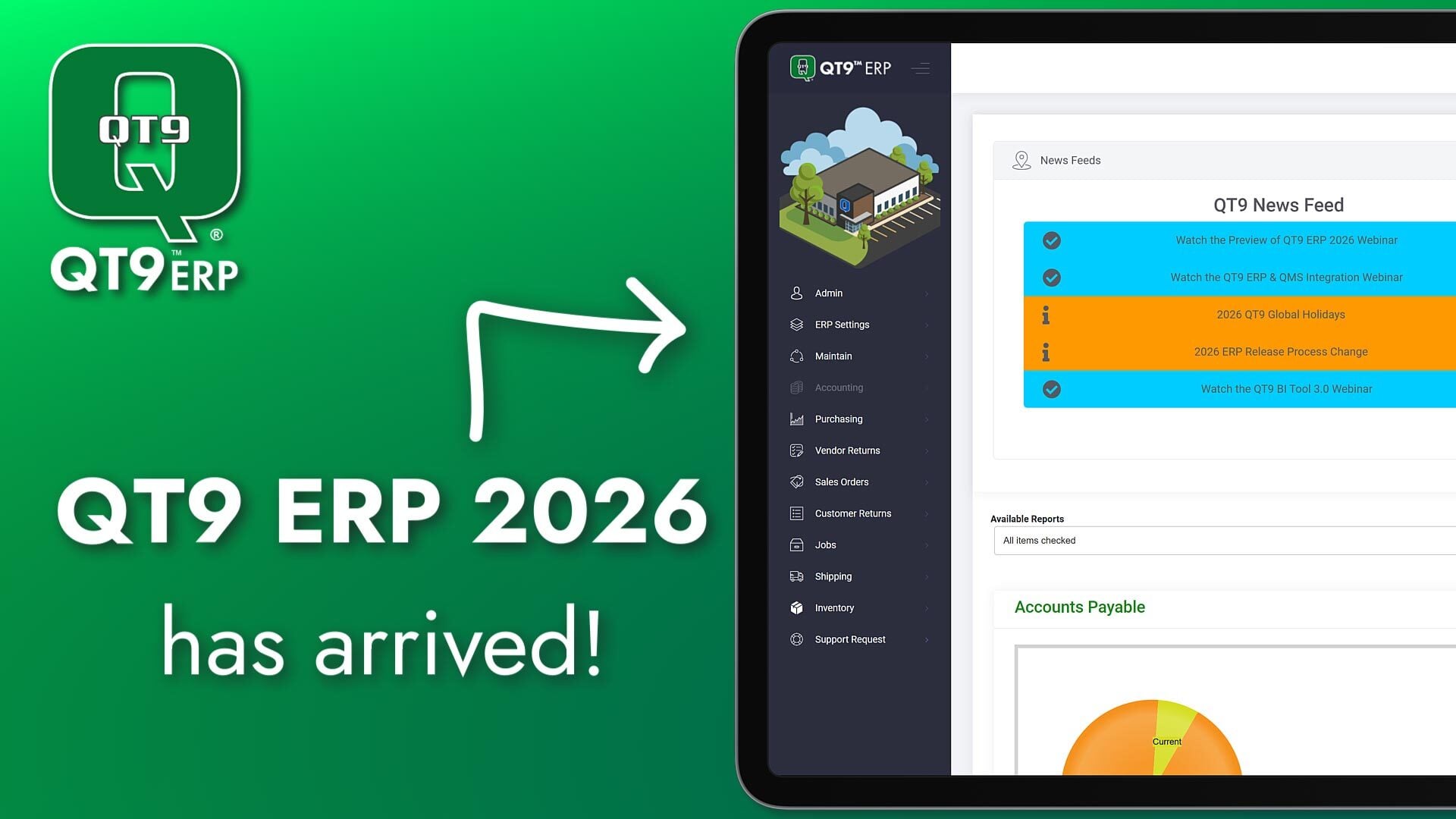
QT9 ERP 2026 is Live: Smarter Manufacturing for Evolving Businesses

QT9 ERP Contract Manufacturing: Better Control of Outsourced Operations
Product Rework: The Profit Killer Hiding in Plain Sight
Run Your Operation With Clarity and Control
See how QT9 simplifies operations today and scales with you tomorrow.